Default Call of Duty settings are built to look good on a TV in a store, not to help you win gunfights. A few minutes in the menu before your first match of Modern Warfare 4 makes a bigger difference than any attachment. Below are the changes most competitive players make first. Treat the numbers as starting points: every controller, monitor and pair of hands is different, so play a few private matches and adjust one setting at a time.
🎮 Controller settings
- Aim assist: Precision or Default. Precision slows your aim slightly as you pass over a target, which helps with tracking at mid range. Try both in a private match and keep whichever feels less "sticky."
- Left stick deadzone: as low as you can go without drift. Open the deadzone menu, set the minimum to 0, then raise it a point at a time until your character stops moving on its own. Most newer pads land between 2 and 6.
- Right stick deadzone: same method. A lower deadzone means small thumb movements register, which matters for micro-adjusting onto a head.
- Sensitivity: 6 to 8 to start. Higher is not automatically better. If you overshoot targets, drop it by one.
- ADS sensitivity multiplier: around 0.9 to 1.0. It keeps aiming down sights consistent with hip-fire, so your muscle memory transfers.
- Response curve: Dynamic. It gives fine control near the center of the stick and fast turns at the edge.
- Vibration: off. Rumble looks cool but shakes your aim when you are shot.
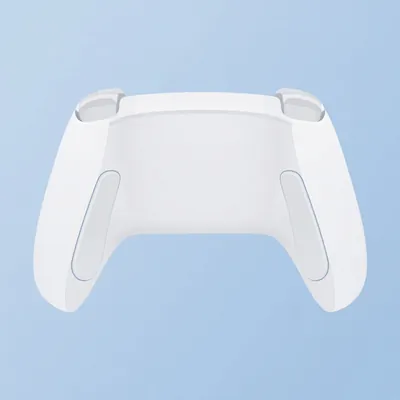
If you play on PS5, a fresh controller with tight sticks helps more than you'd think. Worn sticks drift, which forces a higher deadzone. See PS5 DualSense controllers(paid link) or Xbox wireless controllers(paid link) on Amazon.
🖱️ Mouse and keyboard
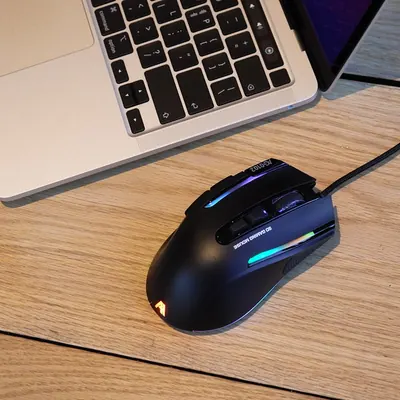
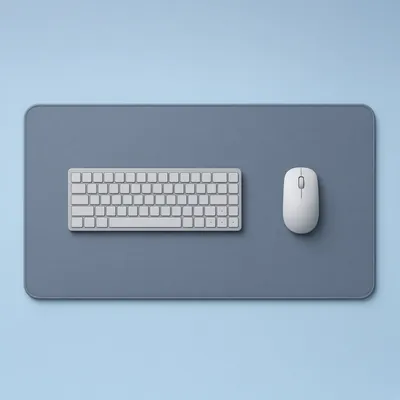
Pick a DPI you like (800 or 1600 are common) and set in-game sensitivity so that a full mouse swipe across your pad turns you about 360 degrees. Turn off mouse acceleration in both Windows and the game. Bind tactical sprint and slide to keys you can hit without letting go of WASD. A lightweight gaming mouse(paid link) with a large desk mouse pad(paid link) gives you room for lower sensitivity, which most people aim better with.
👁️ Field of view (FOV)
A wider FOV lets you see flankers but makes far targets smaller. 100 to 110 is a good balance for most players on a monitor. On a TV you sit far from, 90 to 100 feels less warped. Set ADS field of view to Affected so your sights zoom consistently, and choose Independent weapon FOV if guns look too large on screen.
🖥️ Graphics
- Motion blur: off. Both world and weapon blur hide enemies when you turn.
- Film grain and depth of field: off. They add noise and make far objects soft.
- Frame rate over fidelity. On console, choose the performance or 120Hz mode if your display supports it. On PC, cap your frame rate slightly under your monitor's refresh rate for smoother frame times, and turn on your GPU's upscaler if you can't hold a stable frame rate.
- Brightness: raise it just until the in-game reference image is barely visible. Too bright washes out shadows.
🔊 Audio
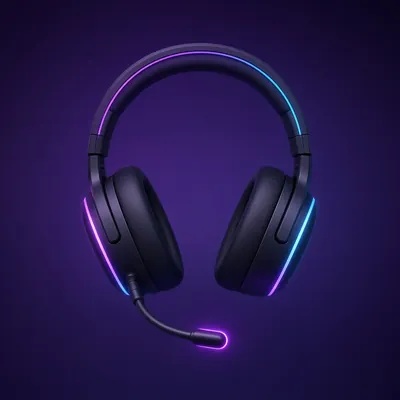
Footsteps win more fights than aim. Pick an audio mix designed for headphones (often called Headphones or Headphones Bass Boost), lower music volume to 0 and drop dialogue a little so effects stand out. A decent wireless gaming headset(paid link) makes direction much easier to judge than TV speakers.
📋 Interface
Turn on a circular minimap if you can, set the minimap to stay north up only if that is what you're used to, and enable damage numbers or hit markers so you know when to commit. Small changes, but they reduce how much you have to think mid-fight.
Once your settings feel right, pick a class. Our MW4 best loadouts at launch guide lists the weapons the early meta trackers rate highest.
❓ FAQ
What is the best sensitivity for MW4 on controller?
Most players start between 6 and 8 with an ADS multiplier near 1.0. If you overshoot targets, lower it one step; if you can't turn fast enough, raise it.
Should I use Precision or Default aim assist in MW4?
Try both in a private match. Precision slows your aim near targets, which many players like for tracking. Pick the one that feels less sticky to you.
What FOV should I use in Modern Warfare 4?
100 to 110 suits most monitor players. If you sit far from a TV, 90 to 100 keeps targets larger and the image less stretched.
Should I turn off motion blur in MW4?
Yes. Turning off world and weapon motion blur makes it easier to spot enemies while you turn.
When does Modern Warfare 4 come out?
Call of Duty: Modern Warfare 4 launches October 23, 2026, on PC, PS5 and Xbox.
📚 Related guides
- MW4 best loadouts at launch
- CoD MW4 launch hub: price and gear
- Gifts for gamers under $50
- Black Friday 2026 picks
Updated October 22, 2026.